> For the complete documentation index, see [llms.txt](https://nexabot-ai.gitbook.io/nexabot-ai/llms.txt). Markdown versions of documentation pages are available by appending `.md` to page URLs; this page is available as [Markdown](https://nexabot-ai.gitbook.io/nexabot-ai/trading-bot/referrals.md).
# Referrals
Invite your friends and earn points and rewards!
### Earn rewards by referring friends and other users!
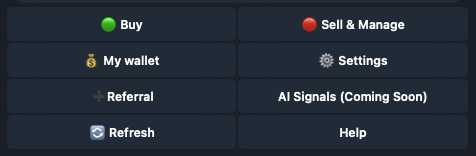
Each user of Nexabot has their own unique referral code, accessible from the *Referral* menu. This can be accessed from the bot's main menu.
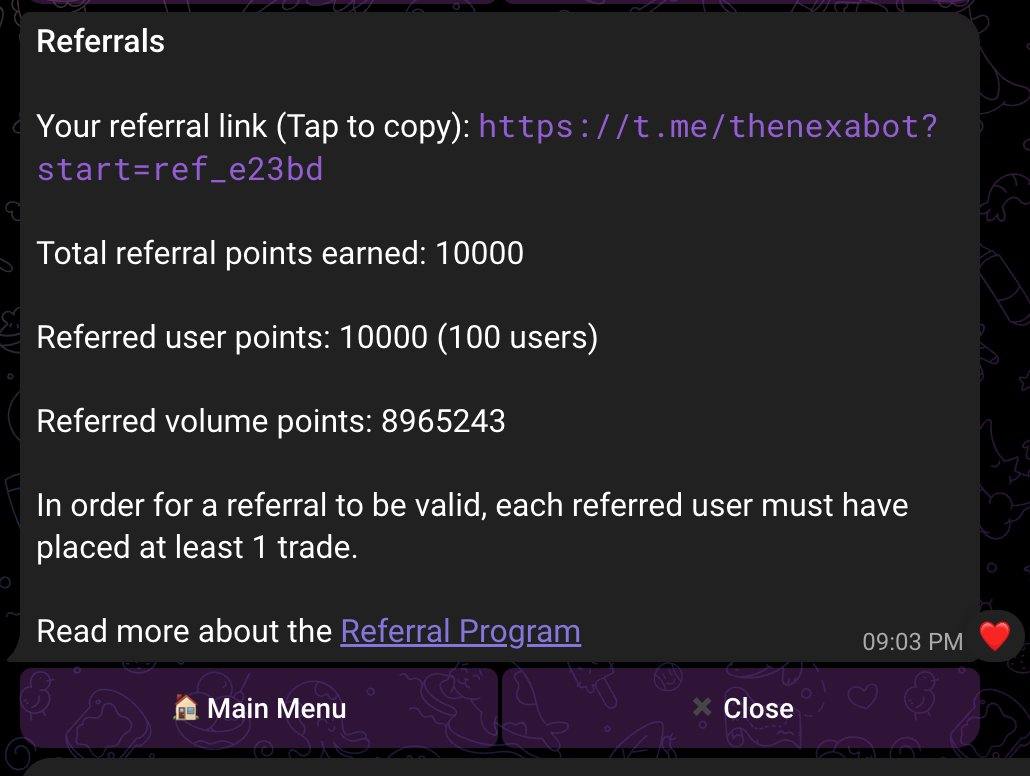
You can simply tap to copy your referral link and share with your friends or other users.
You can also track the amount of users you have referred from this menu, tracked as *Users referred.*
### How points are calculated
There are 2 ways for users to earn points for referrals:
1. Successfully referring another user
* 1 successful referral = 100 points
* For a referral to be validated, the referred user must generate a wallet and conduct at least 1 trade within Nexabot.
* This value is displayed beside *Referred user points*
2. The trading volume of a referred user
* $1 USD of traded volume = 1 point, rounded down to the closest integer
* The referrer user will get 20% of the trading volume points from any of their referees
* The referrer user will get 10% of the trading volume points from any of their referees' referees
* The volume earned from referrals' trading volume is capped at 2 levels
* The value is displayed beside *Referred volume points*